mifarepy
Read, write and manage MIFARE® Classic cards from Python, using PROMAG and
other GIGA-TMS readers that speak the GNetPlus® serial protocol. Typed,
tested and dependency-light: the only dependency is pyserial.
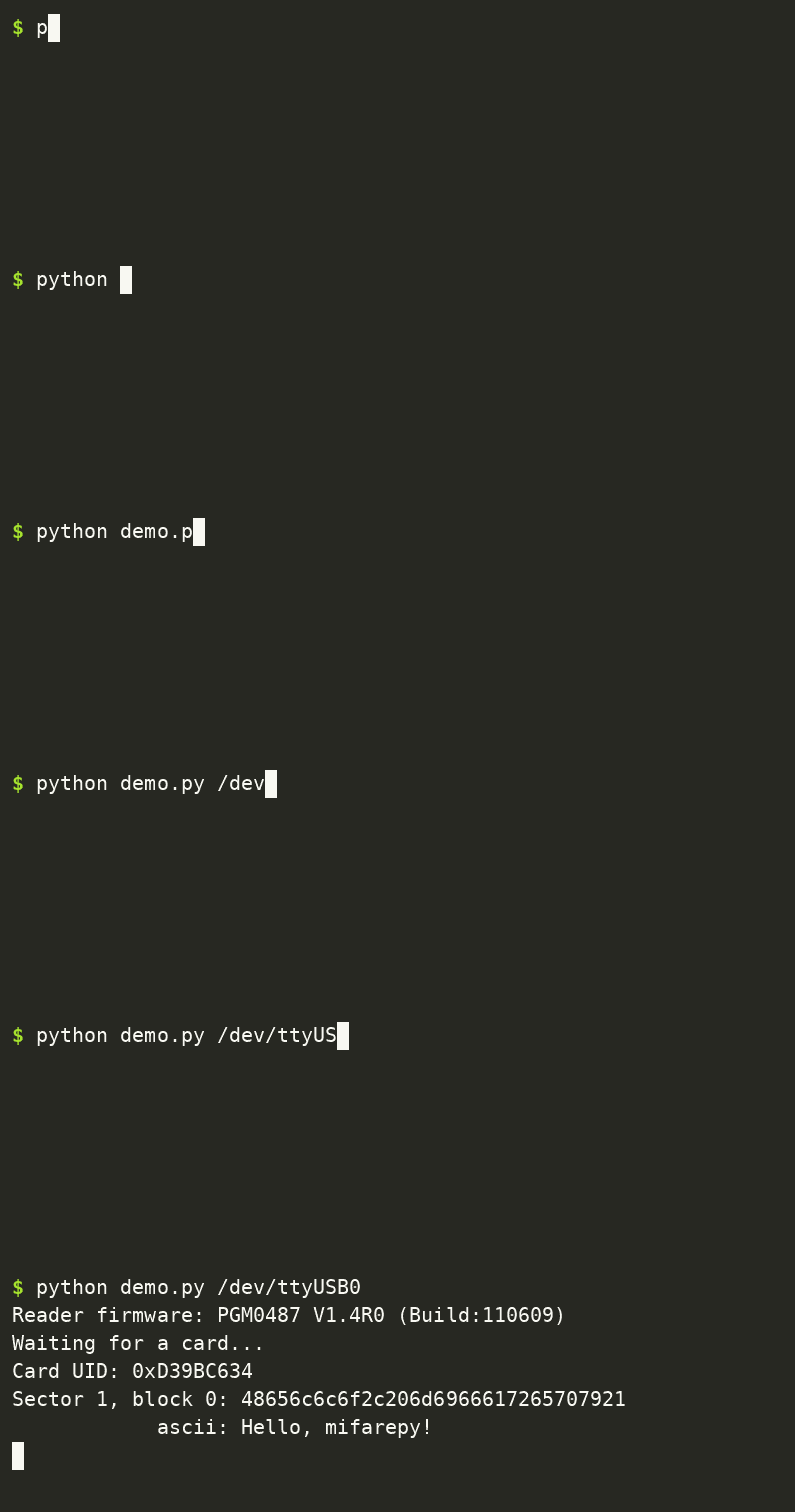
from mifarepy import MifareReader

KEY = bytes.fromhex('FFFFFFFFFFFF')   # factory default key

with MifareReader('/dev/ttyUSB0') as reader:
    print('Reader:', reader.get_version())
    print('Card UID:', reader.get_uid())          # e.g. '0xEDCEF8C3'

    reader.authenticate_sector(1, KEY)
    print('Block 0:', reader.read_block(0))       # 32-char hex string
    reader.write_block(0, bytes(range(16)))
What you can do
-
Detect cards
Read UIDs, check whether a card is present, block or
awaituntil one is tapped, and enumerate several cards at once. -
Authenticate
Unlock sectors with Key A or Key B, or re-use a key that is already loaded in the reader.
-
Read & write
Single 16-byte blocks, whole sectors, or arbitrary block maps across several sectors with per-sector keys.
-
Value blocks
Stored-value counters for wallets, credits and loyalty points, with overflow checks.
-
Events & async
Let the reader announce cards by itself, or wait for one without blocking your asyncio event loop.
-
Typed & safe
Full type hints,
py.typed, typed errors with readable NAK descriptions, and guards that never touch sector trailers by accident.
Supported hardware
| Reader | Interface | Notes |
|---|---|---|
| PROMAG PCR310U | USB (PL2303 USB-serial) | Desktop reader; appears as /dev/ttyUSB* or COMx |
| PROMAG MF5 | RS-232 / TTL | OEM read/write module |
| PROMAG MF10 | RS-232 / TTL | OEM read/write module |
| Other GNetPlus® devices | Serial | Anything implementing the GNetPlus MIFARE command set |
Cards: MIFARE Classic 1K and 4K. See Hardware & setup to get connected, and the MIFARE Classic primer if you are new to sectors, keys and access bits.
Learn more
-
Every feature, with worked examples.
-
Frame format, CRC, command and error-code tables.
-
Memory layout, keys, access conditions and value blocks.
-
Nine runnable scripts, from reading a UID to working with several cards at once.